
Description
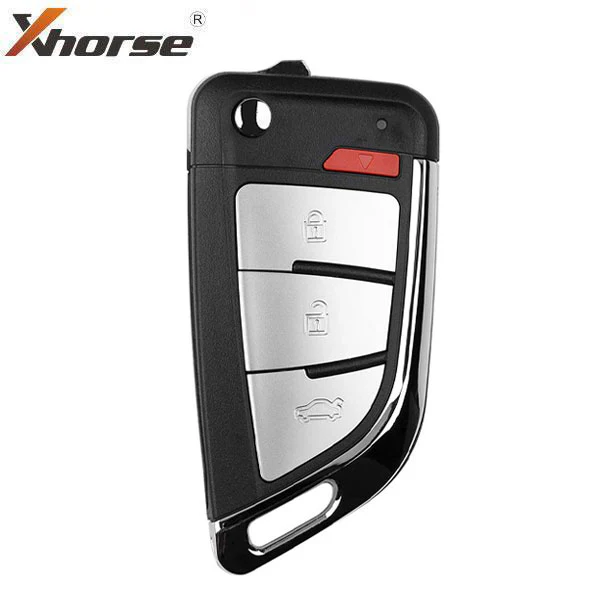
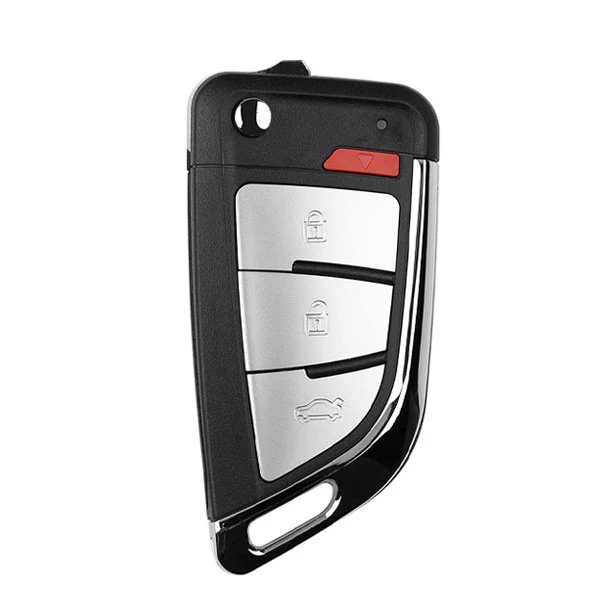
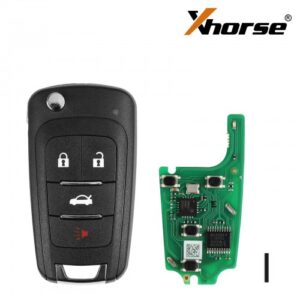
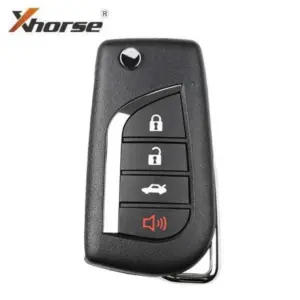
Knife Style / 4-Button Universal Remote Flip Key for VVDI Key Tool (Wired)
- 4-Button Knife Type Remote
- Buttons: Lock, Unlock, Trunk, Panic
- Keyway: Blade NOT included
- Battery NOT included
Instructions for Use:
- Open remote and remove battery
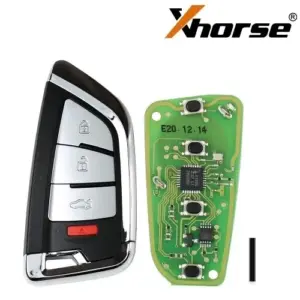
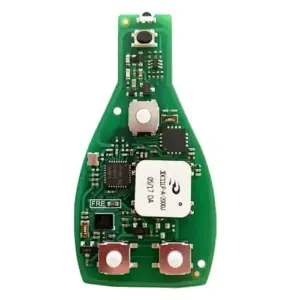
- Connect data cable to white connector on remote PCB board and plug into your VVDI Key Tool Mini or Max
- Using the VVDI Key Tool, select Product Remote and select the remote you would like to generate
- Disconnect cable, reinsert battery, and reassemble remote. Install proper chip and blade for your application.
- Program to vehicle as you would an OEM remote
PLEASE NOTE THAT THESE REMOTES DO NOT COME WITH BLADES OR BATTERIES INCLUDED. YOU WILL NEED TO HAVE THE BATTERY READY TO INSTALL YOURSELF.


 Account
 Categories
 Search
 Compare
 Top
Top
Reviews
There are no reviews yet.